InboxFerry for Mac

Back up and move your email. Keep it yours.

InboxFerry copies mail between IMAP accounts and into a portable archive on your Mac. No cloud, no InboxFerry account, no subscription.

Free to try: 100 new transfers each for copy, backup, and restore. One-time unlock. No subscription.
How it works

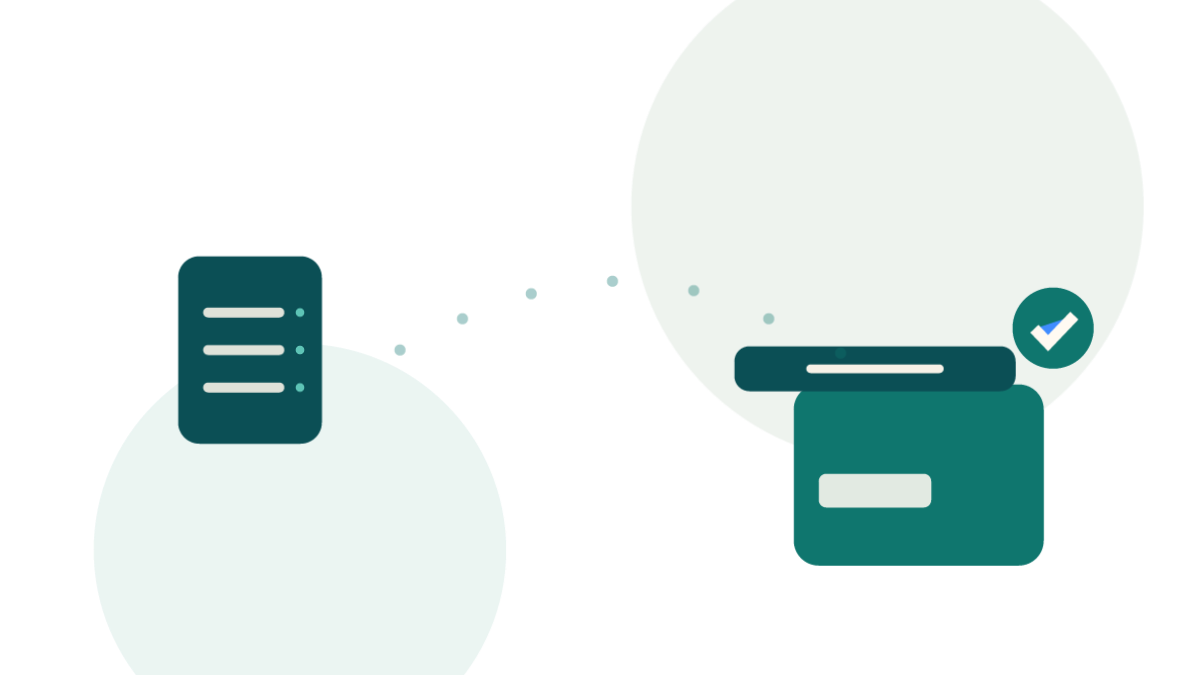
Connect, review, run.

Nothing changes until you have seen the plan.

  1. Connect

    Add one or two IMAP accounts. InboxFerry uses TLS and keeps credentials in the macOS Keychain.

  2. Review

    Choose folders and see the exact plan: accounts, message counts, and a separate warning for anything that would be deleted.

  3. Run

    Copy, back up, or restore. Cancel between operations; additive modes never modify the source.

What you can do

One app for backup, migration, and restore.

Back up your email

Create a portable local archive from any IMAP account. Messages, flags, dates, and folder hierarchy stay intact.

Copy mail between accounts

Move mail when you change providers, leave a job, or archive a domain. Additive copy is the safe default.

Restore and verify

Copy mail from an archive back into an account, additively. Verify archive integrity whenever you want.

Browse and search your archive

Open a backup read-only, search subject, sender, body, and attachments, and restore selected messages.

Optional encrypted archives

Protect a new archive with a password. Content is encrypted at rest; there is no recovery if the password is lost.

A closer look

Built for real mailboxes.

Folder trees, per-folder selection, progress, and a review step before anything is written.
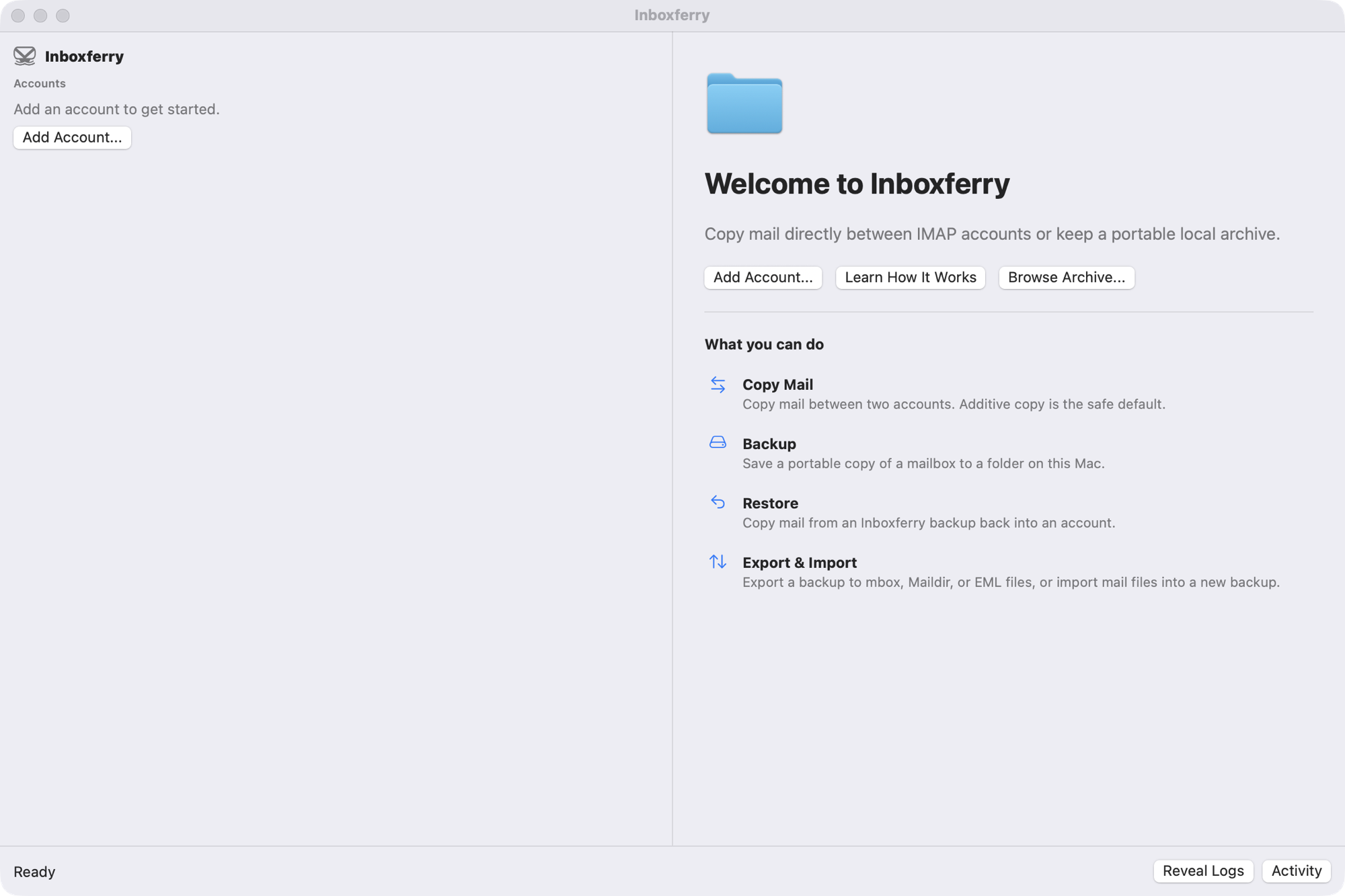
InboxFerry welcome screen with Add Account and Learn How It Works buttons.
Welcome A plain-language starting point for Copy Mail, Backup, Restore, and Export & Import.
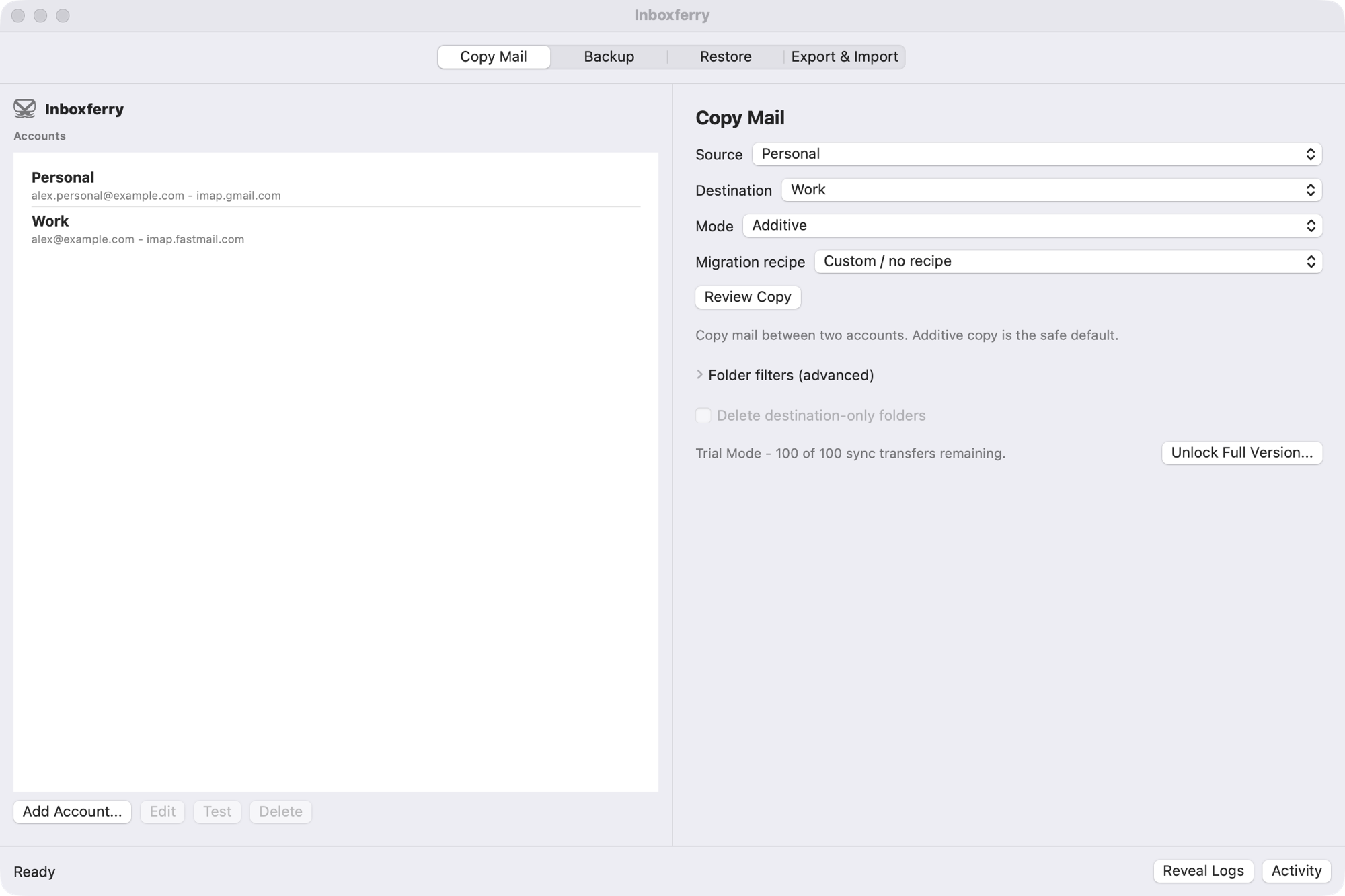
InboxFerry Copy Mail panel with source and destination account selectors.
Copy Mail Map folders between two IMAP accounts and review the transfer plan.
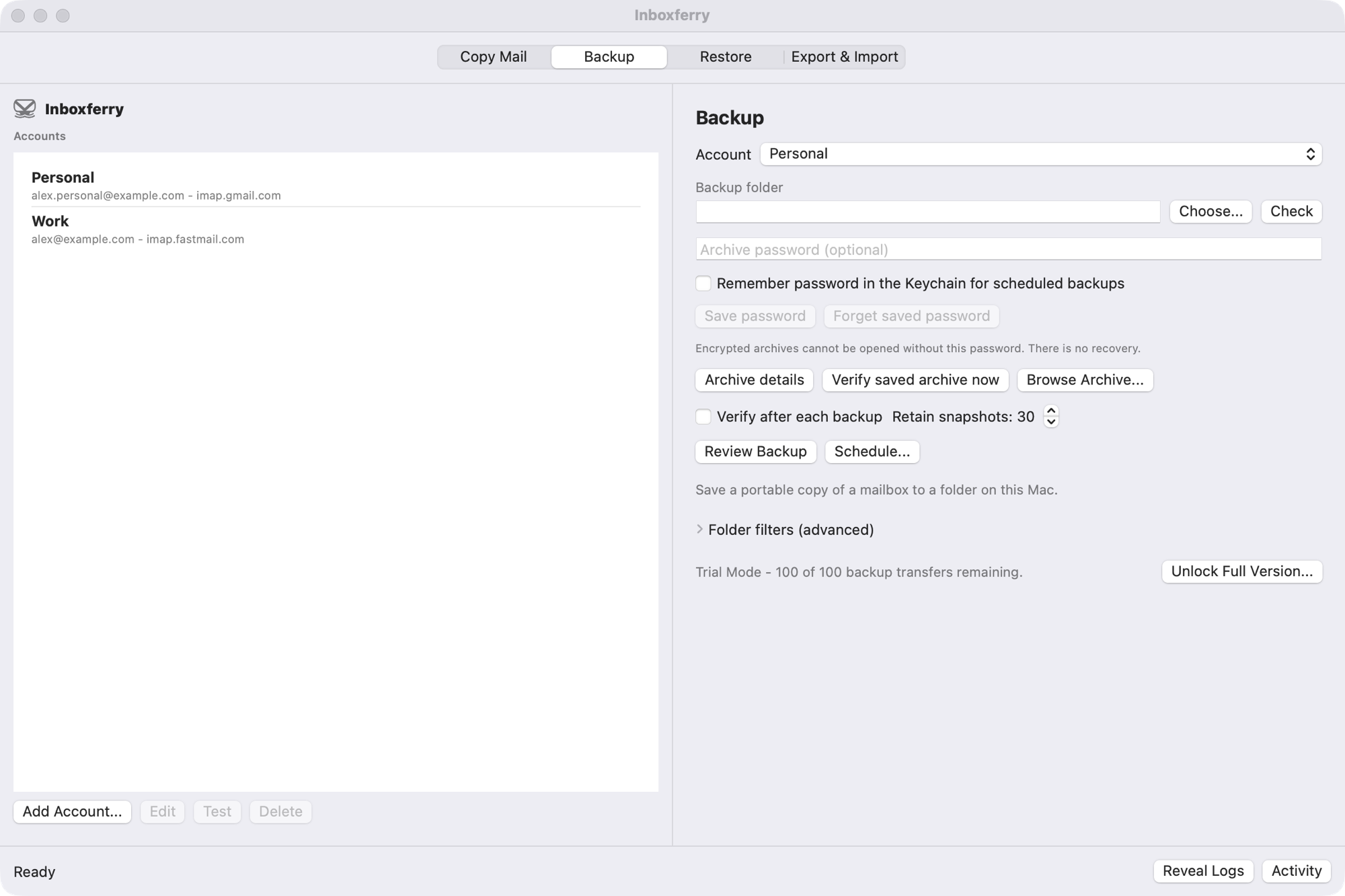
InboxFerry Backup panel showing account selection and destination folder.
Backup Choose an account, a destination folder, and the folders to include.
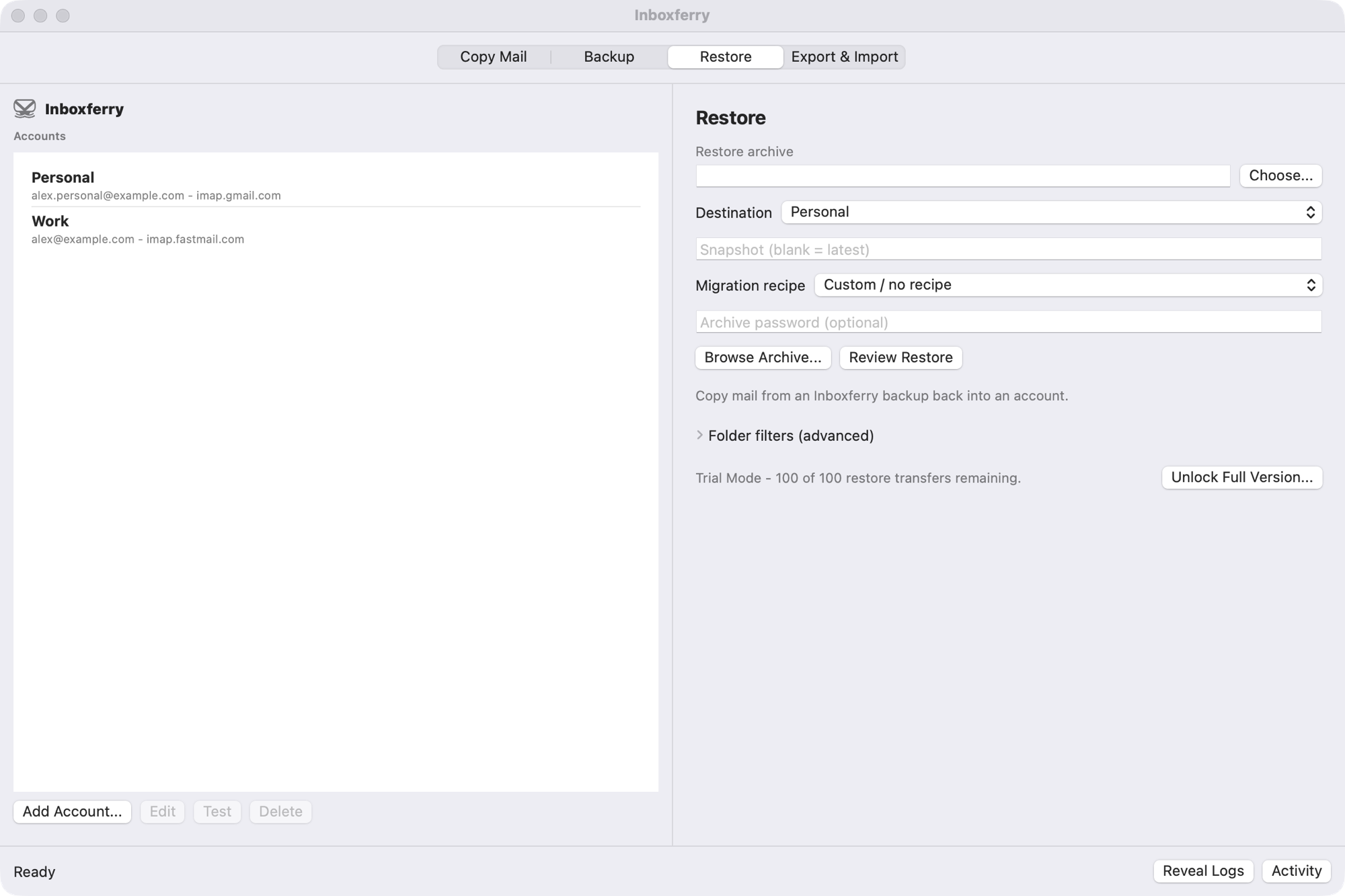
InboxFerry Restore panel with a backup archive selected.
Restore Restore a snapshot additively, with folder mapping and verification.

See all screenshots

Who this is for

InboxFerry is for people who want to:

  • Switch email providers without losing years of history
  • Leave a job and keep a local copy of work correspondence
  • Archive a domain before it expires
  • Keep a local backup because cloud services can go away

What InboxFerry does not do

It does not host mail, run a cloud backup service, or require an InboxFerry account. It does not read your mail for advertising or analytics. Additive backup and copy modes do not modify the source mailbox; only the explicit Mirror and Move modes delete mail, and only after a reviewed plan and confirmation.

Privacy by design

Your mail stays between you and your mail server.

InboxFerry has no cloud service, no analytics, and no InboxFerry account. It connects directly to the IMAP servers you configure and writes archives to a folder you choose.

Archives are plaintext on disk. Use FileVault or another encrypted volume for sensitive mail.

Read the privacy policy

  • No telemetry or usage analytics
  • Credentials stay in the macOS Keychain
  • No mail content passes through an InboxFerry server
  • Portable, self-contained archives

Pricing

Free to try. Pay once.

Every workflow is available before you buy. No subscription, no InboxFerry account.

Free trial

Try every workflow

  • 100 new transfers in Copy Mail
  • 100 new transfers in Backup
  • 100 new transfers in Restore
  • Scans, dry runs, skips, and verification are free
  • Not time-limited
Download free

Questions

Good to know

Is InboxFerry free?
InboxFerry is free to download and try. Each of Copy Mail, Backup, and Restore includes 100 new email transfers. A one-time in-app purchase unlocks unlimited transfers. See pricing.
Does InboxFerry upload my mail anywhere?
There is no InboxFerry cloud. Mail moves directly between your Mac and the IMAP servers you configure. The app has no telemetry and no InboxFerry account.
Is my backup encrypted?
No. .inboxferry archives are plaintext on disk. Use FileVault or an encrypted volume if the archive contains sensitive mail.
Which Macs are supported?
InboxFerry requires macOS 14 Sonoma or later on Apple silicon or Intel. The Mac App Store listing shows compatibility for your Mac.
Can I browse and search a backup?
Yes. The Archive Browser opens a backup read-only and searches subject, sender, body, mailbox, and attachment names. You can restore selected messages without restoring an entire mailbox.
Can I encrypt a backup?
Yes, when creating a new archive. The password is never stored in the archive, and there is no recovery if you lose it. Full-text search is available after the archive is unlocked. Scheduled backups of encrypted archives require saving the password in the macOS Keychain.
Does it include a command-line tool?
No. The Mac App Store edition is the Mac app only; the command-line tool is not part of this release.
How do refunds work?
Apple handles purchases and refunds for the Mac App Store. See the Refund Policy.

Read the full FAQ

Ready when you are

Keep your mail yours.

Download InboxFerry free, try every workflow, and unlock unlimited transfers when you are ready.

Download on the Mac App Store